minara

Minara
Version 2.0.0
A modern, Rust-powered control panel for managing Minecraft Bedrock Dedicated Server instances on Android using Termux.


-1f2937?style=for-the-badge)






Why Minara
Minara is the web-panel generation of this project line: a clean operational interface for creating, running, monitoring, and maintaining multiple Minecraft Bedrock server instances with a workflow that is practical on Android.
It is designed for users who want:
- Multi-instance management from one control plane
- Real-time console and monitoring
- Backup and restore with identity safety checks
- Native Rust performance with a polished web UX
- ARM64 compatibility through bionilux/Box64 workflows
Highlights
- Full server lifecycle control: start, stop, status, command input
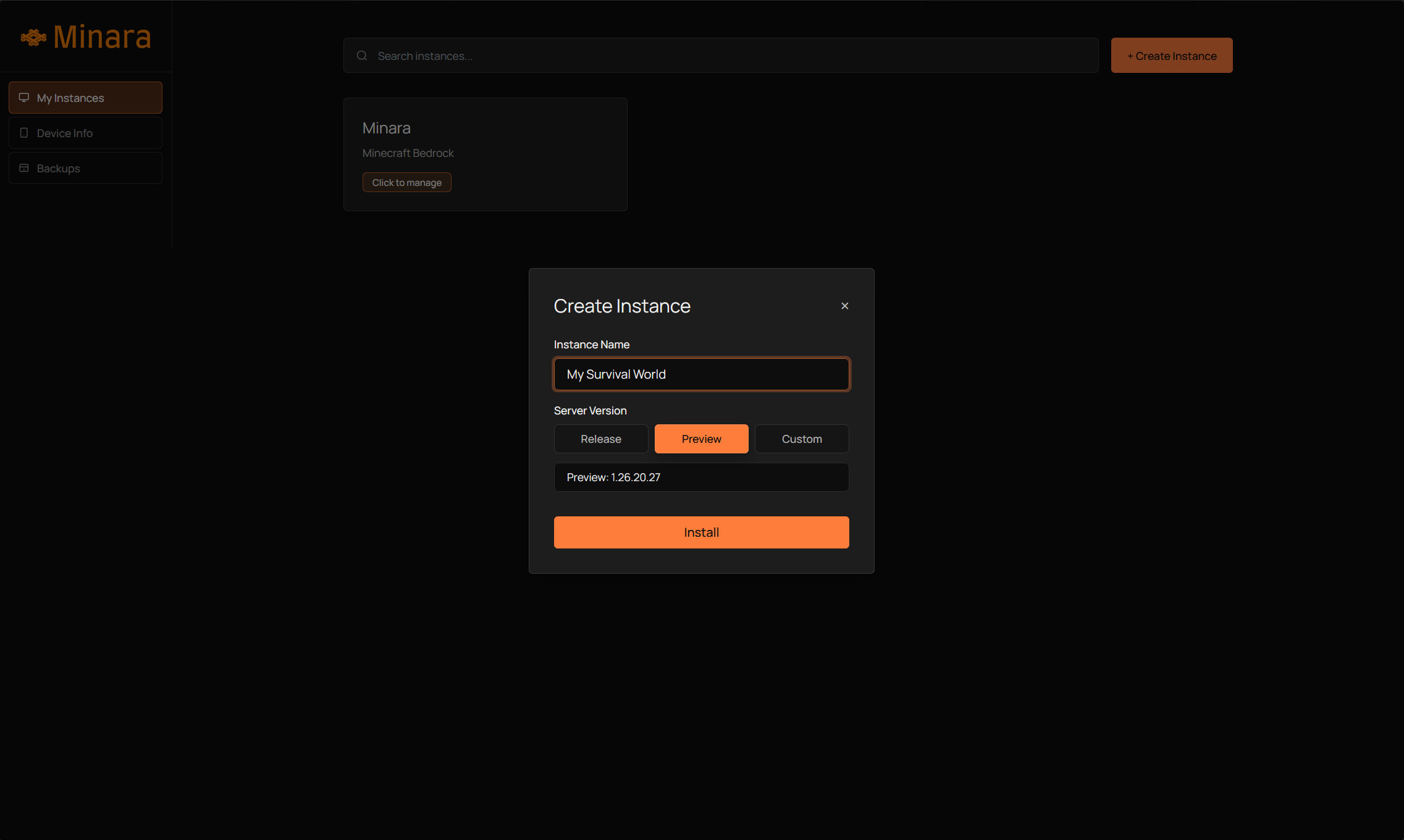
- Multi-instance management: create, rename, delete, browse
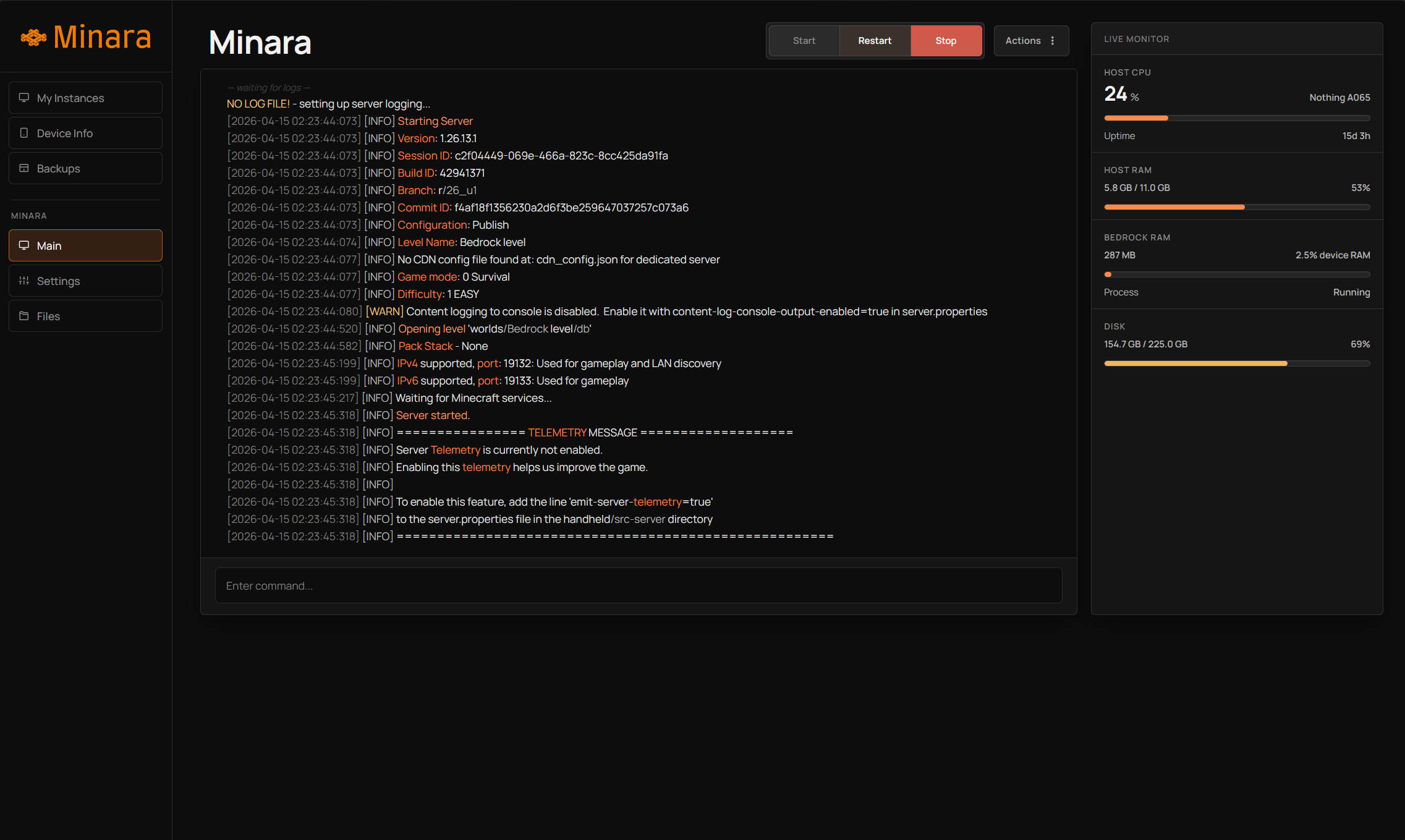
- Live console streaming via SSE
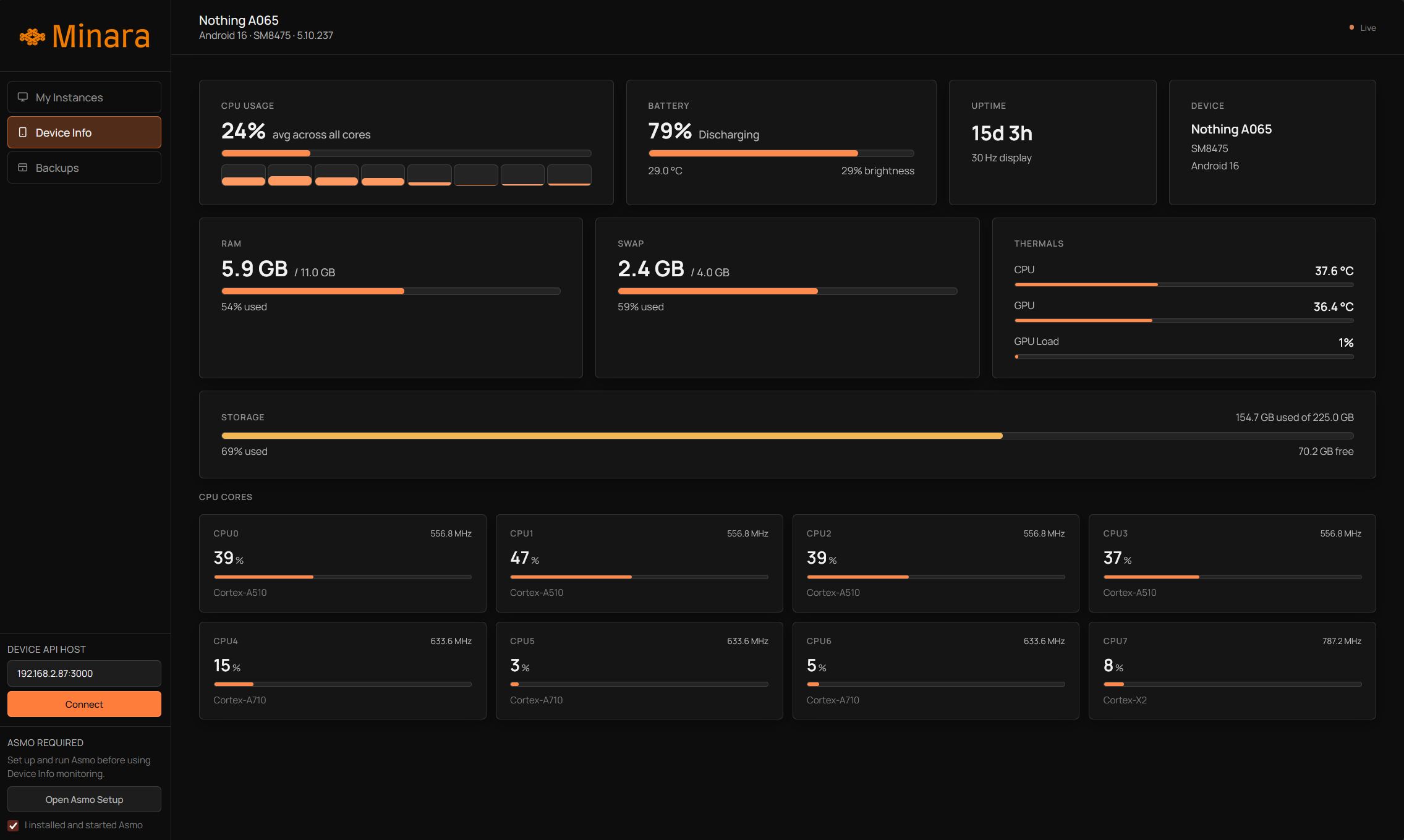
- Device monitoring integration with Asmo
- Host metrics: CPU, memory, disk, uptime, load average
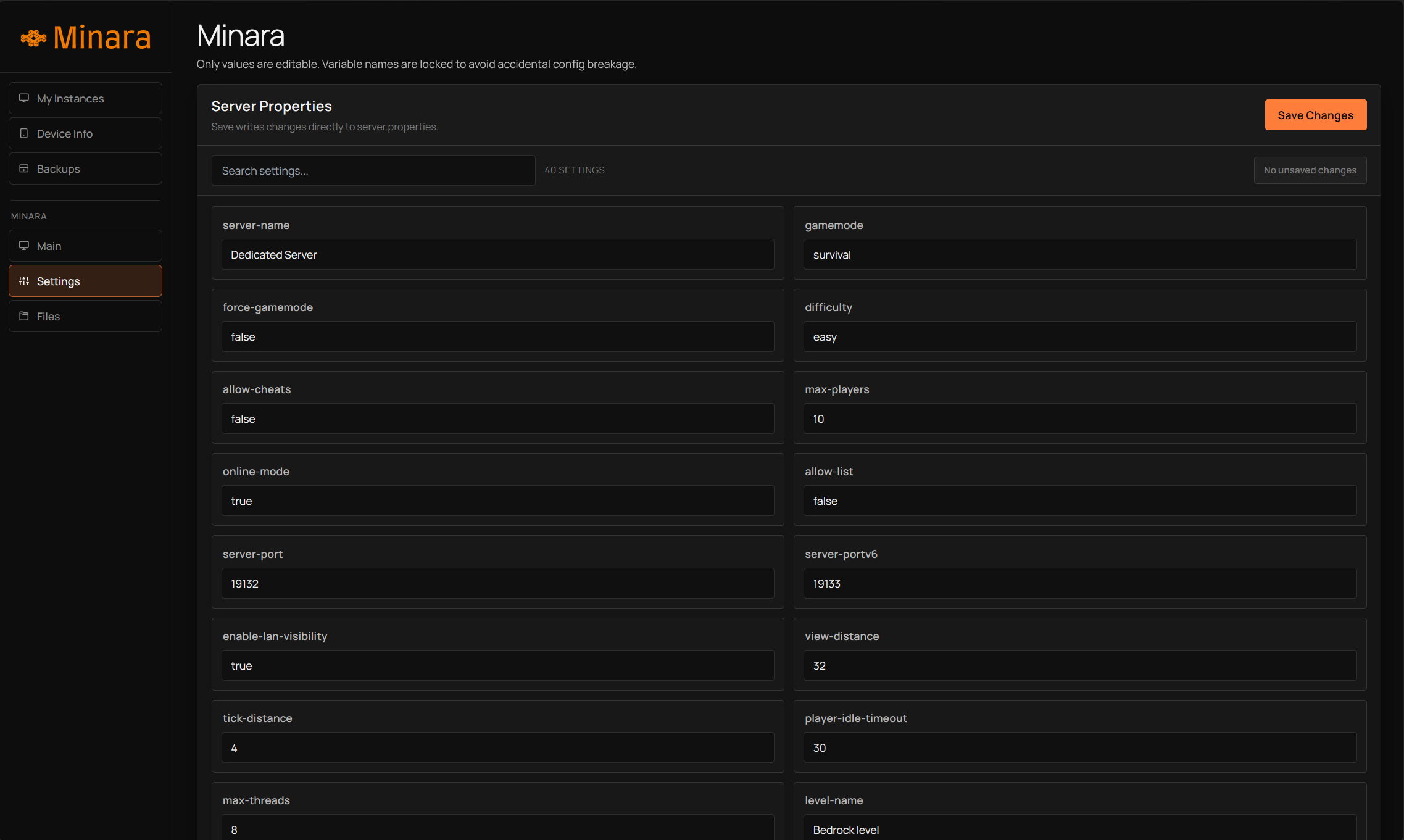
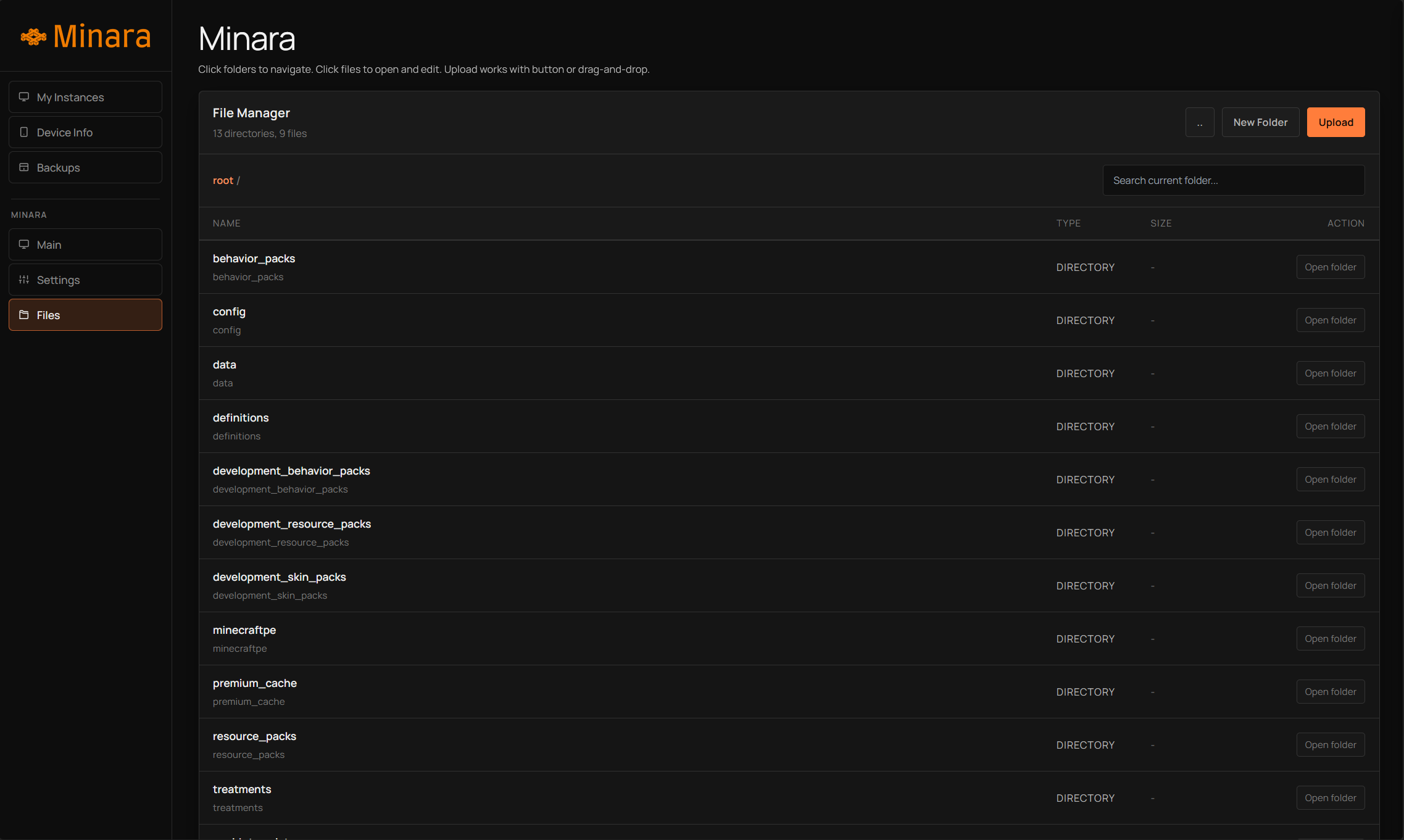
- Built-in file manager: upload, edit, create folders, download
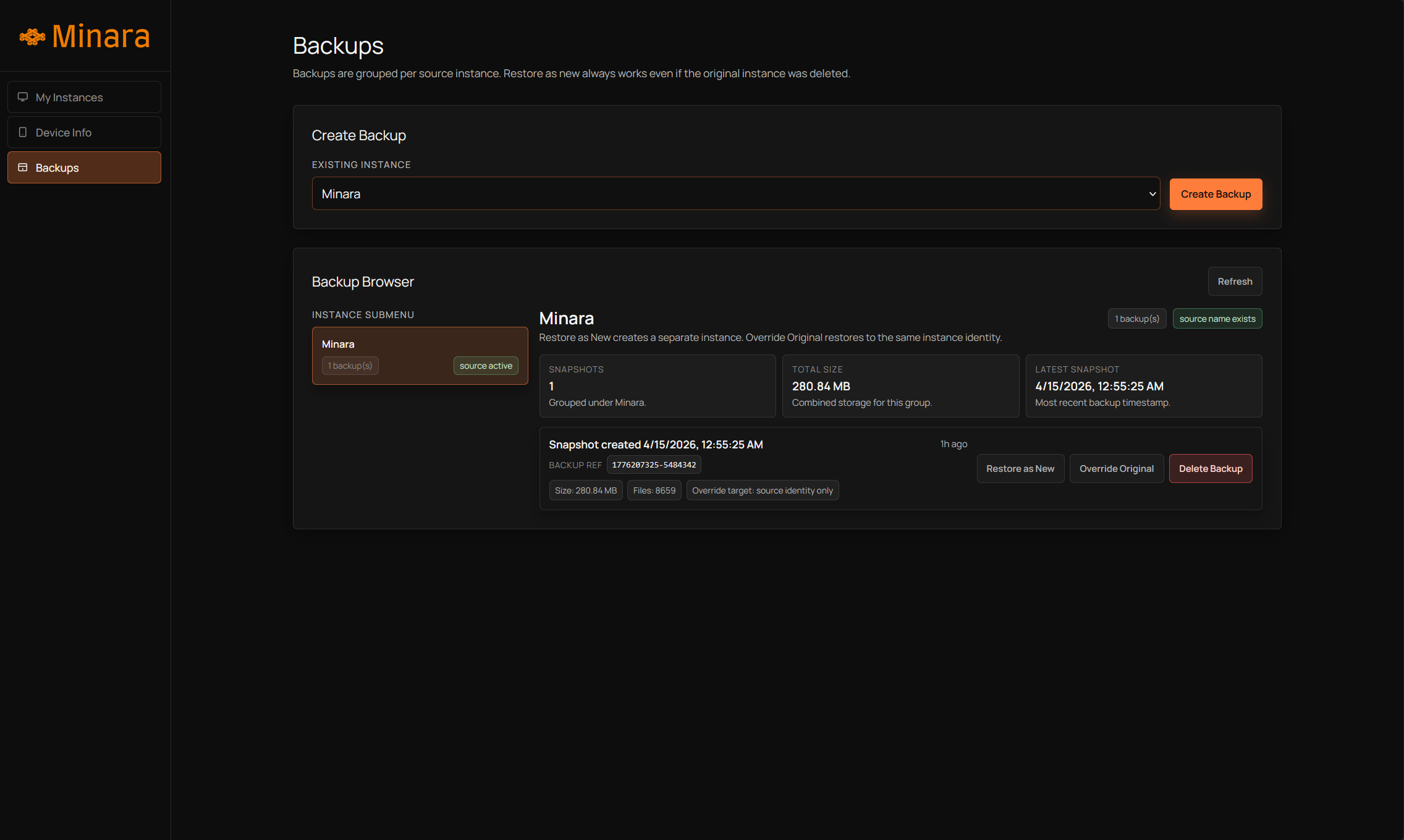
- Backup and restore with lineage-aware identity handling
- Dedicated development mode (
-d) and production mode behavior - Persistent storage at
~/.local/share/minara
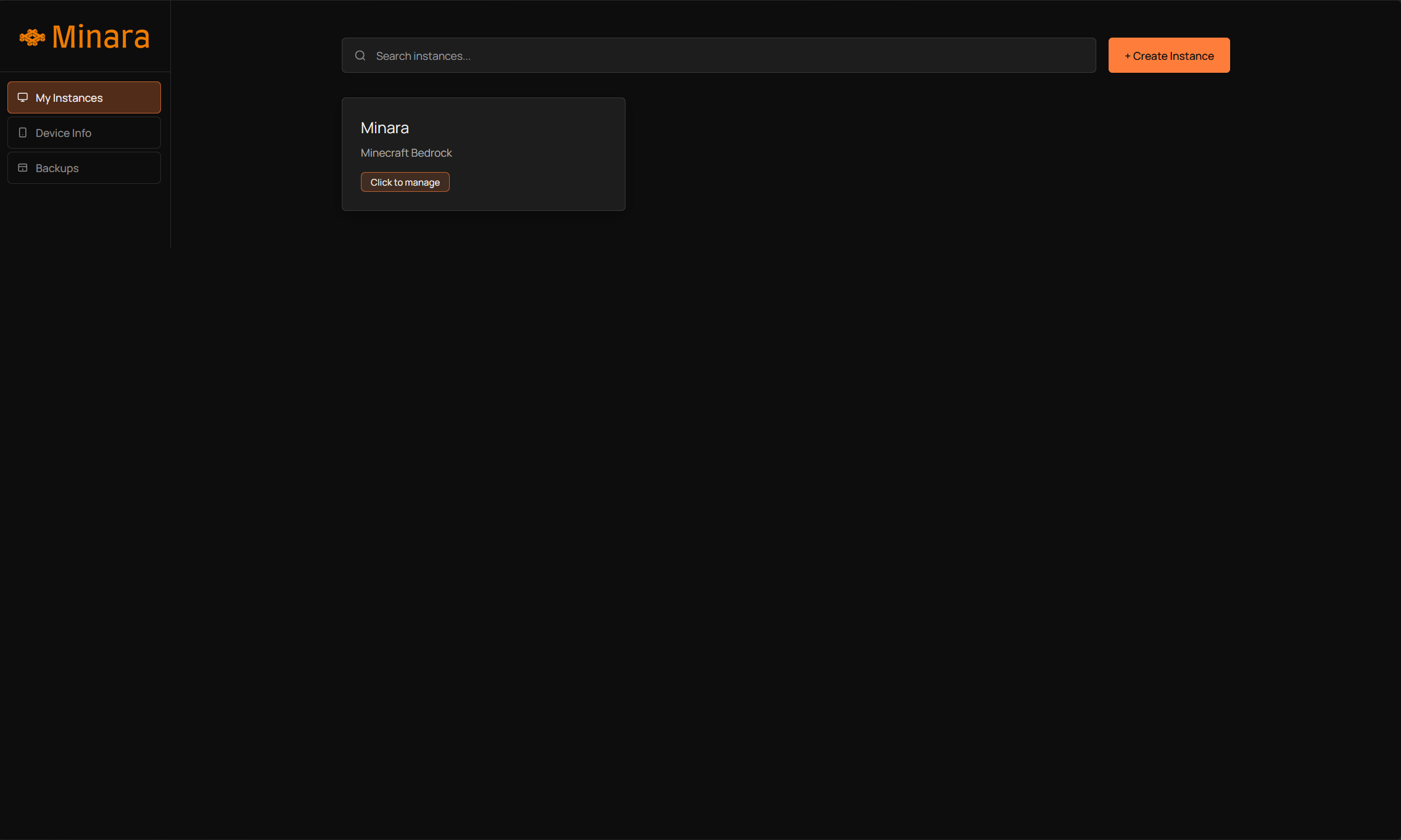
UI Showcase
Overview Panels
Architecture At A Glance
Minara uses a Rust async web architecture:
- Backend: Axum + Tokio
- Templates: Askama
- Data flow: API endpoints + SSE log streaming
- Runtime integrations: Asmo (device stats), bionilux (server launch path), Box64 (ARM64 translation path)
Runtime Flow
- Minara boots on port
7777 - Minara ensures data directories exist in
~/.local/share/minara - It detects and lists existing instances
- You create/start instances from the panel
- Server process runs (
bedrock_serverviabionilux) - Console logs stream to UI in real time
- Monitoring pulls host stats and device stats (Asmo)
- Backups are created/restored with metadata and identity checks
Components
| Component | Purpose |
|---|---|
| Dashboard | Entry point, instance list, creation flows |
| Console | Live logs, command input, runtime controls |
| Settings | server.properties editing per instance |
| Files | File browser and in-panel file operations |
| Device Info | Asmo-aware monitoring and device-source handling |
| Backups | Create, restore, and manage instance backups |
Asmo + bionilux + Box64 Integration
Asmo
Minara can fetch device metrics from Asmo (default source localhost:3000):
- Startup checks Asmo readiness and reports status
- Device Info includes setup guidance and explicit readiness UX
- Monitoring source behavior is mode-aware
Asmo project: https://github.com/theonuverse/asmo
bionilux and Box64
Minecraft Bedrock server binaries are AMD64-oriented in many real-world workflows. On ARM64 hosts (common in Android environments), Minara integrates bionilux-based launching to support these deployments.
- Production mode: requires
bioniluxinPATH - Development mode (
-d):aarch64: requiresbioniluxx86_64: can runbedrock_serverdirectly on Linux host
Runtime note:
- When Minara launches via
bionilux, it setsBIONILUX_WAKELOCK=1.
Installation
1) Quick Install (One-Liner)
curl -sL theonuverse.github.io/minara/setup | bash
2) Build From Source (Termux)
# Update packages
yes | pkg up

# Install dependencies
pkg install git rust -y

# Install bionilux via this command or build it using the repo
curl -sL theonuverse.github.io/bionilux/setup | bash

# Clone the repo
git clone https://github.com/theonuverse/minara.git
cd minara

# Build
cargo build --release

# Install into Termux PATH
cp target/release/minara $PREFIX/bin/
Run Minara:
minara
Or development mode:
minara -d
3) Binary Usage (Manual)
If you already have a Minara binary file:
chmod +x minara
cp minara $PREFIX/bin/
minara
First Run Checklist
- Start Minara.
- Open panel at
http://<your-private-ip>:7777. - Create an instance with a valid Bedrock version.
- Start the instance and open Console.
- Confirm monitoring in Device Info (install/start Asmo if needed).
- Create your first backup.
Runtime Modes
| Mode | Behavior |
|---|---|
| Production (default) | Fixed device source path behavior and bionilux-required launch strategy |
Development (-d) |
Device source can be edited in UI; launch path is architecture-aware |
Data Layout
Minara persists state in:
~/.local/share/minara/
  instances/
  backups/
This makes operation independent of the current working directory.
API Surface (Selected)
| Endpoint | Method | Purpose |
|---|---|---|
/api/create-instance |
POST | Create a new server instance |
/instance/{name}/start |
POST | Start server process |
/instance/{name}/stop |
POST | Stop server process |
/instance/{name}/stream |
GET | Live console stream (SSE) |
/api/instance/{name}/files/upload |
POST | Upload files |
/api/backups |
GET/POST | List and create backups |
/api/backups/{id}/restore |
POST | Restore backup |
/api/device-stats |
GET | Pull Asmo/device metrics |
/api/host-stats |
GET | Host monitoring metrics |
Troubleshooting
Port 7777 already in use
Stop the conflicting process or change your environment so Minara can bind to 0.0.0.0:7777.
bionilux not found
Install bionilux and ensure it is available in PATH.
Device metrics unavailable
Install/start Asmo and verify it responds on the configured source (default localhost:3000).
Instance creation or download fails
Check internet access and confirm the requested Bedrock version exists.
Termux Notes
- Minara is designed to support Android-oriented workflows through Termux-compatible setups.
- For ARM64 Android environments, bionilux/Box64 compatibility paths are essential for Bedrock execution.
- Use a stable userspace setup and ensure required binaries are executable.
Project Status
Minara v2.0.0 is the active generation of this project and serves as the upgraded management experience for Bedrock operations.
For rename and architecture migration notes, see changelog.md.
Contributing
Contributions are welcome.
Suggested contribution areas:
- More diagnostics and observability endpoints
- Better screenshot and docs quality
- Better design for mobile aspect ratio
License
MIT License. See LICENSE.
Built with focus and care for the Bedrock self-hosting community.